
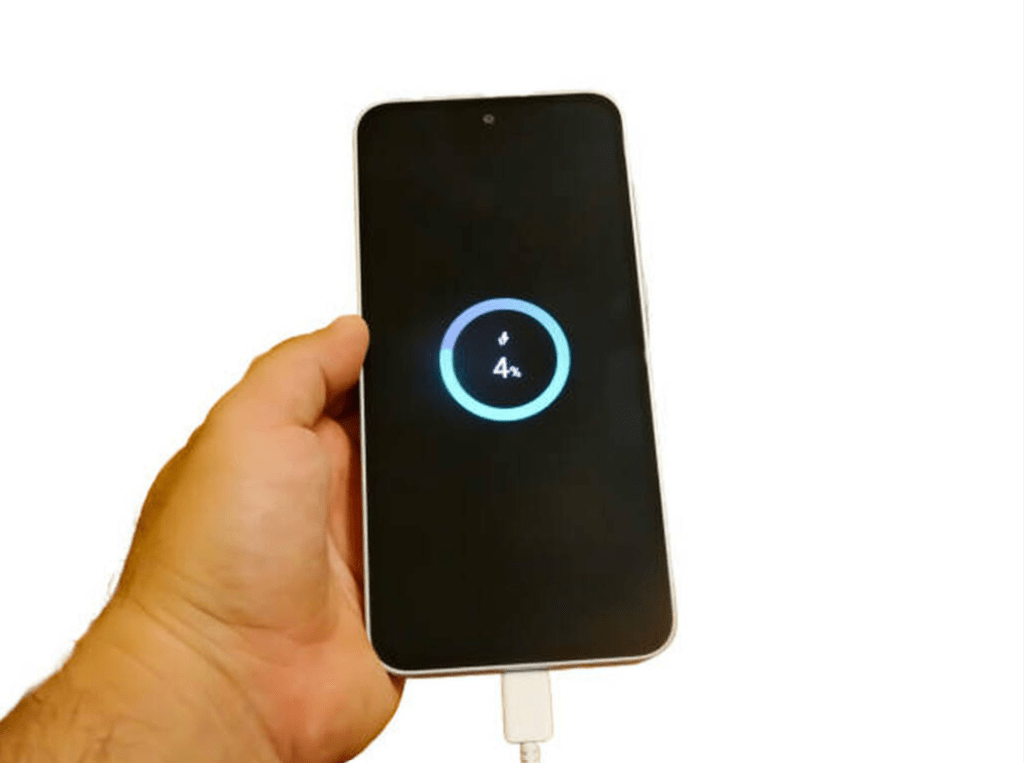
A healthy battery is one of the most important parts of your smartphone’s performance. Whether you use an iPhone or Android device, the way you charge, store, and use your phone directly affects its battery lifespan. In a city like Dubai—where temperatures can get extremely high—battery health tends to decline even faster if not taken care of properly.
At CellCore Repair LLC, we specialize in professional mobile phone repair and iPhone repair in Dubai, and we see many devices come in with battery issues that could have been prevented with a few simple habits. In this guide, we break down 10 practical, safe, and truly effective tips to help you maintain excellent battery health and avoid frequent replacements.
1) Avoid Extreme Heat — The #1 Battery Killer
Heat is one of the biggest reasons batteries lose their health quickly. High temperatures speed up chemical aging inside the battery and reduce its lifespan.
Tips:
- Don’t leave your phone in a hot car.
- Avoid using it in direct sunlight for long periods.
- Remove thick or insulated phone cases when charging to prevent heat buildup.
Dubai’s climate makes this especially important. Keeping your phone cool can extend its battery life significantly.
2) Use Certified and Original Chargers
Cheap, unbranded chargers may look like a good deal, but they can send unstable power to your phone, damaging the battery over time.
Always use:
- Original chargers
- MFI-certified (Made for iPhone) cables
- Reputable third-party accessories
At CellCore, we recommend sticking to manufacturer-approved accessories to avoid unnecessary battery stress.
3) Keep Your Battery Between 20% and 80%
You don’t need to keep your phone at 100% all the time. In fact, constantly charging to full capacity can shorten battery lifespan.
Healthy charging habits include:
- Plug in around 20–30%
- Unplug around 80–90%
- Use “Optimized Battery Charging” on iPhones (helps slow down aging)
These small changes can noticeably improve battery health over months.
4) Avoid Overnight Charging
Modern phones manage power well, but keeping your device plugged in all night keeps it at 100% for hours—something lithium-ion batteries don’t prefer.
Instead:
- Charge before sleeping
- Or set up short charging cycles during the day
If overnight charging is unavoidable, remove your phone case and ensure it doesn’t heat up.
5) Turn Off Background Apps and Unnecessary Features
Background apps drain battery quietly without you noticing. Managing them can reduce stress on the battery.
Turn off when not needed:
- Bluetooth
- Wi-Fi scanning
- Location services
- Background app refresh
- Push email sync
Both Android and iPhone have features to limit background activities. Optimizing these settings leads to longer battery life and better performance overall.
6) Use Battery-Saving Modes Smartly
Every smartphone has built-in power-saving modes that restrict unnecessary activity.
Use battery saver when:
- Your phone is below 25%
- You’re outdoors and unable to charge
- You’re traveling or multitasking
This reduces CPU load, notifications, and background processes—meaning less strain on the battery.
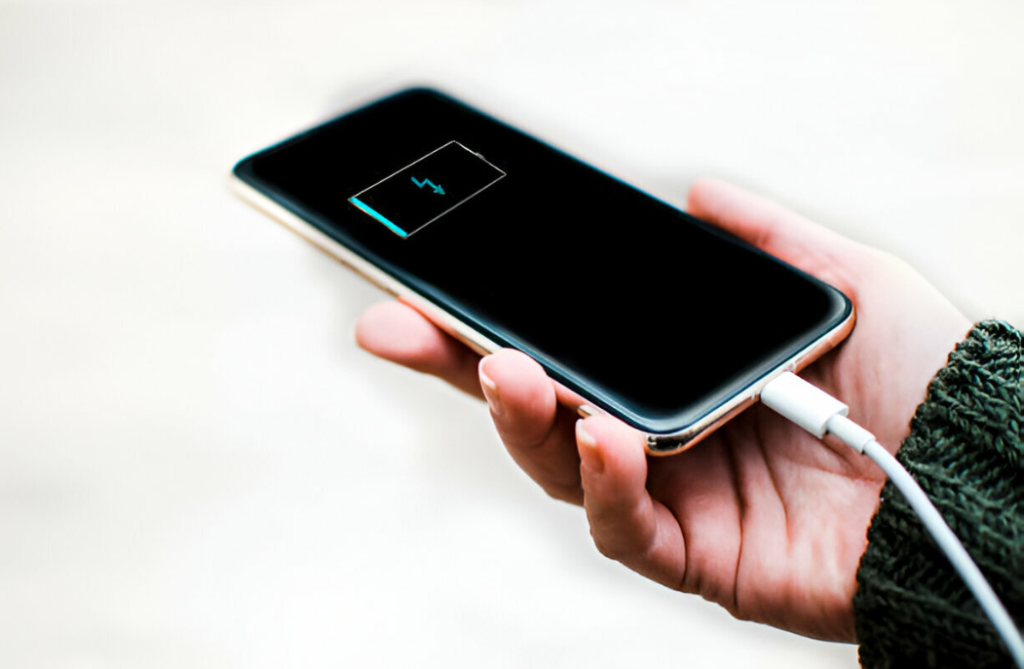
7) Reduce Screen Brightness and Enable Auto-Brightness
Your screen is the largest source of battery usage. Keeping brightness high drains power quickly.
Better options include:
- Auto-brightness
- Dark mode
- Lowering screen timeout duration
- Reducing refresh rate (on compatible devices)
These options help conserve energy and reduce unnecessary battery cycles.
8) Keep Your Software Updated
System updates often include battery optimization improvements. Whether you’re using iOS or Android, updating your operating system helps with:
- Improved charging management
- Power optimization
- Bug fixes
- Better thermal control
At CellCore, many customers notice improved battery performance after updating outdated software.
9) Disable Unnecessary Notifications
Every notification wakes up your screen or triggers a background process. Reducing this constant activity is a great way to keep battery consumption low.
You can manage notifications for:
- Social media apps
- Promotional apps
- Games
- Apps you rarely use
Fewer notifications mean a calmer phone and a healthier battery over time.
10) Get Your Battery Checked Professionally When Needed
No matter how careful you are, all batteries degrade eventually. If you notice:
- Rapid draining
- Unexpected shutdowns
- Slow charging
- Battery health below 80% (for iPhones)
…it may be time for a professional diagnosis.
At CellCore Repair LLC, we provide:
- Quick battery health testing
- Genuine replacement batteries
- Expert mobile phone repair service
- Specialized iPhone Repair in Dubai
- Warranty on parts and service
Our technicians follow strict safety procedures and use original-quality components to ensure your device performs like new again.
Final Thoughts: Healthy Habits = Longer Battery Life
Battery care doesn’t need to be complicated. With small daily habits—like managing heat, using certified chargers, limiting background apps, and charging properly—you can extend your phone’s battery health and avoid frequent replacements.
If your smartphone battery is already struggling, CellCore Repair LLC is here to help with fast, reliable repair services across Dubai.