
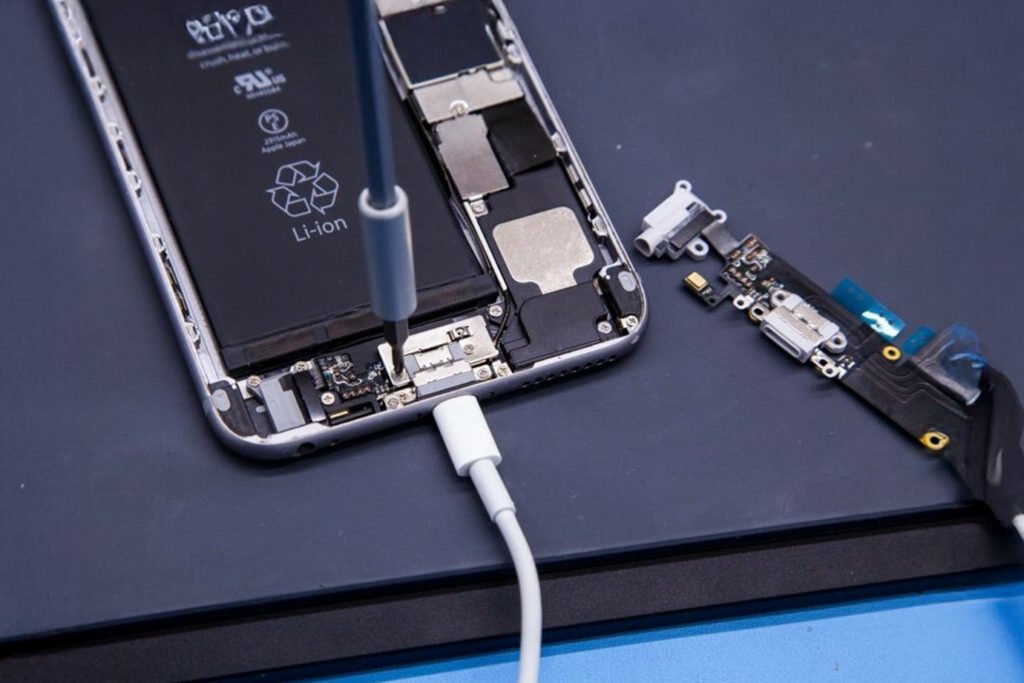
You press the power button, the Apple logo shows up, and then nothing. Or worse, the phone keeps restarting and never reaches the home screen. It’s stressful, especially when you rely on your iPhone for calls, work, and everything in between.
The good news is that many Apple logo problems are software issues you can fix yourself. Some, though, point to hardware damage and need a technician. Below, we’ll go through why this happens, what to try first, and when it’s time to get help. If you’re in the UAE, CellCore offers dependable iPhone repair in Dubai for both software and hardware faults.
Why does an iPhone get stuck on the Apple logo?
Your iPhone freezes at startup when it can’t finish loading iOS. The usual culprits are:
- A failed or interrupted iOS update. This is the most common cause by far.
- Corrupted system files. If core files are damaged, the phone can’t boot properly.
- Full storage. A phone with almost no free space can struggle to start up.
- Jailbreaking. Unofficial modifications often conflict with iOS.
- App conflicts. Occasionally a misbehaving app causes repeated restarts.
- Hardware damage. Water exposure, a bad drop, or a failing internal component can look exactly like a software problem.
Knowing which one you’re dealing with tells you whether you can fix it at home:
1. Force restart your iPhone
Try this first because it’s the simplest solution. The steps depend on your model.
iPhone 8 and newer:
- Press and quickly release Volume Up.
- Press and quickly release Volume Down.
- Hold the Side button until the Apple logo appears, then let go.
iPhone 7 and 7 Plus: Hold Volume Down and the Side button together until the Apple logo appears.
Holding the Home and Power buttons together will cause the Apple logo to show on an iPhone 6s or earlier.
A force restart doesn’t erase your data. If the phone boots normally, you’re done.
2. Charge it for a while
A very low battery can sometimes cause startup trouble. Plug the phone into a reliable charger and leave it for about 30 minutes before trying again.
While it charges, check that:
- Your adapter and cable are compatible and undamaged.
- The charging port is free of lint and dirt.
- You’ve tried a different cable if the first one doesn’t seem to work.
If the logo is still there after charging, the issue is probably in iOS itself or in the hardware.
3. Try Recovery Mode
Recovery Mode lets you connect the iPhone to a computer and reinstall iOS. Here’s the general process:
- Connect your iPhone to a computer with a cable.
- Open Finder on a Mac, or the Apple Devices app or iTunes on Windows.
- Put your iPhone into Recovery Mode using the button combination for your model.
- When the recovery screen appears, choose Update, not Restore.
- Let the computer reinstall iOS. Update is designed to do this without wiping your data.
If Update fails, you may have to restore the phone, but be careful here. Restoring erases everything on the iPhone. If you don’t have a backup and your photos or files matter to you, stop and get advice before you click Restore.
4. Keep iOS up to date
Once your phone is working again, go to Settings → General → Software Update and install anything that’s available. Use stable Wi-Fi and make sure the battery is well charged first. Updates fix bugs and improve security, and staying current makes startup problems less likely.

When to get professional help
Basic fixes don’t work for everyone. It’s worth having a technician look at your phone if:
- It stays on the Apple logo for a long time.
- It keeps restarting and never reaches the home screen.
- Recovery Mode updates fail again and again.
- The problem began right after a failed iOS installation.
- The phone has been dropped or exposed to water.
- You see the Apple logo followed by a black screen.
- It won’t enter Recovery Mode at all.
Why choose CellCore for iPhone repair in Dubai?
When your phone won’t start, the last thing you want is someone guessing at the problem or restoring your device without warning you about your data. CellCore’s expert technicians start with a proper diagnosis so you know what’s actually wrong before any work begins.
Here’s what you can expect:
- Experienced technicians who deal with both software and hardware faults.
- Software troubleshooting for failed iOS installs, startup errors, and system problems.
- Hardware inspection if software fixes don’t solve it, including checks for internal component damage.
- The right repair for your phone, based on its condition rather than a one-size-fits-all fix.
- Clear communication, so you understand what’s being done and why.
How to avoid Apple logo problems in future
You can’t prevent every issue, but a few habits help a lot:
- Keep iOS updated.
- Leave plenty of free storage.
- Never interrupt an update halfway through.
- Use good-quality chargers and cables.
- Skip jailbreaking and other unofficial modifications.
- Back up regularly to iCloud or a computer.
- Download apps only from trusted sources.
FAQs
1. Why is my iPhone stuck on the Apple logo?
Most often it’s a failed iOS update, corrupted system files, or low storage. Hardware damage can also cause it.
2. Can a force restart fix it?
Sometimes. It clears temporary software freezes, but it won’t repair deeper iOS or hardware problems.
3. Will Recovery Mode erases my data?
Choosing Update normally reinstalls iOS and keeps your data. Choosing Restore erases the phone, so check your backup first.
4. How long should I wait before doing something?
If the logo hasn’t moved for a good while with no progress, stop waiting and try the steps above, or have the phone checked.
5. Where can I get iPhone repair in Dubai?
CellCore handles iPhone software troubleshooting, startup diagnosis, and hardware repairs in Dubai.
Final word
An iPhone stuck on the Apple logo usually comes down to a failed update, corrupted software, full storage, or a hardware fault. A force restart or a Recovery Mode update fixes plenty of cases. If they don’t work, don’t keep restoring the phone over and over, especially if you have no backup.
If you need help, bring your iPhone to CellCore in Dubai. Our technicians will find the cause and get your phone working again.