
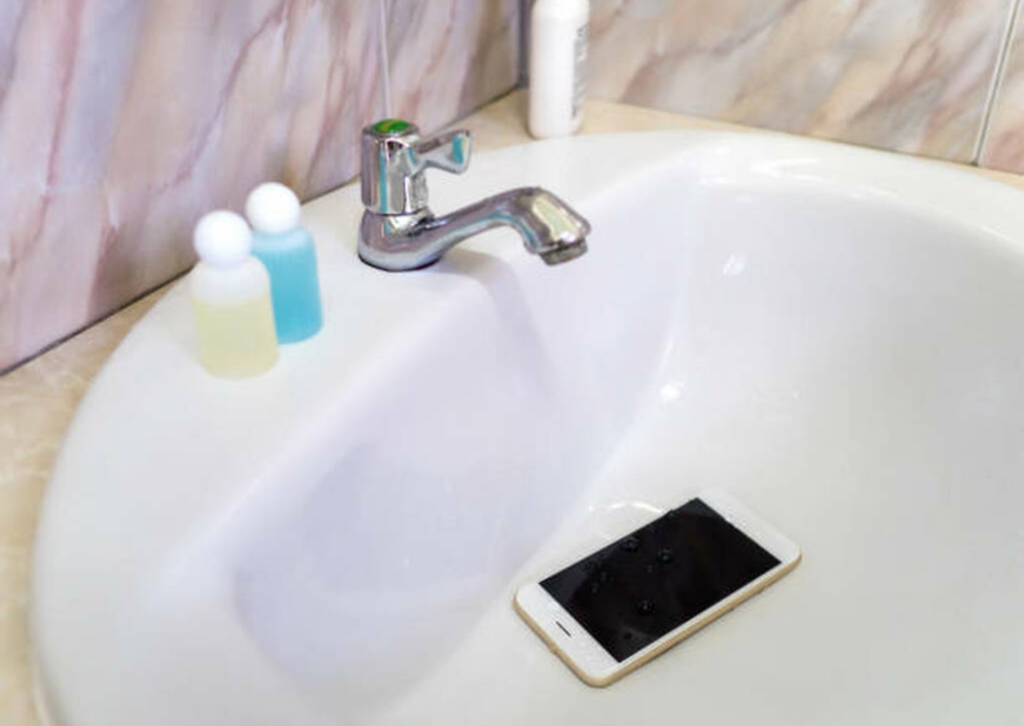
Accidentally dropping your iPhone into water—or any liquid—is one of the most stressful situations for any smartphone user. Whether it slipped into a swimming pool in Jumeirah, got splashed at a beach, fell into the sink, or experienced humidity-related damage during Dubai’s hot summers, water exposure can cause serious internal issues.
But don’t panic yet. Many water-damaged iPhones can be successfully saved—if you take the right steps immediately. In this guide, we’ll walk you through what to do, what not to do, and how professional experts like CellCore Repair LLC can restore your iPhone quickly and safely.
Why Water Damage Is So Dangerous for iPhones
Although newer iPhones come with water-resistance ratings (like IP67 or IP68), this doesn’t make them waterproof. Over time, daily use, drops, dust, and wear weaken the water-resistant seals. Even small amounts of water—like sweat, steam, or rain—can seep into the device.
Water damage can:
- Corrode internal components
- Damage the battery
- Short-circuit the motherboard
- Destroy the charging port
- Affect speakers, mic, and camera
- Cause long-term malfunction
That’s why acting quickly matters.
First Things First: What You Should Do Immediately After Water Damage
- Turn Off Your iPhone Immediately
This is the most important step. Keeping it powered on can cause shorts and internal burns.
- Remove Any Case and Accessories
Cases trap moisture. Remove the case, SIM tray, screen protector, and unplug any accessories.
- Dry the Exterior Gently
Use a soft cloth or tissue to wipe off visible liquid. Be gentle—no rubbing hard.
- Keep the SIM Tray Out
This helps moisture escape naturally.
- Keep the Phone Upright
Let gravity help pull the liquid down and out.
- Use Cool, Dry Air
A gentle airflow helps evaporation. Avoid using a hair dryer or putting it in the sun.
What You Should Never Do After Water Damage
Many people unknowingly damage their phones further. Avoid these common mistakes:
❌ Do NOT charge the phone
Plugging it in can cause a short-circuit.
❌ Do NOT turn it on to check if it’s okay
This can instantly kill the motherboard.
❌ Do NOT put it in rice
Rice doesn’t effectively remove moisture and dust may enter the device.
❌ Do NOT shake the phone
These pushes water deeper into the internals.
❌ Do NOT use heat (dryer, oven, or sun)
Heat damages sensitive components and accelerates corrosion.
Your best chance of recovery comes from professional cleaning and diagnostics as soon as possible.
Professional Water Damage Treatment in Dubai – Why Choose CellCore Repair LLC
Water damage is one of the trickiest smartphone issues and requires proper tools and expertise. iPhone Repair in Dubai specializes in advanced water-damage restoration, offering quick, reliable, and affordable solutions.
Here’s why thousands of users trust CellCore with their water-damaged iPhones:
1. Expert Technicians with Advanced Tools
CellCore’s engineers are trained in micro-soldering, board-level repairs, ultrasonic cleaning, and moisture diagnostics. They can repair issues many standard shops cannot.
2. Ultrasonic Cleaning Technology
This highly effective method removes corrosion, salt deposits, and moisture from delicate internal circuits, increasing the chances of successful recovery.
3. Complete Component Testing
Every part is tested—battery, camera, speakers, face ID, WiFi, and motherboard—to identify hidden damage that may cause issues later.
4. Same-Day Service
Most water damage assessments and repairs are completed within 24 hours, depending on severity.
5. Affordable Pricing
CellCore Repair LLC offers competitive prices, honest quotes, and no hidden fees.
6. Genuine Replacement Parts Available
If your iPhone needs a new battery, screen, or charging port, CellCore provides high-quality OEM or original-grade parts.
7. Doorstep Pickup & Drop Service
Busy schedule? CellCore offers free pickup and delivery across Dubai for water-damaged devices.
Signs Your iPhone Has Water Damage
Even if your iPhone seems fine initially, water damage often appears later. Look for:
- Touchscreen behaving erratically
- Camera fogging or blurry images
- Speaker sounding muffled
- Charging port not working
- Battery draining quickly
- Buttons not responding
- Overheating
- WiFi or network issues
- No sound during calls
- Random restarting
If you notice any of these signs, your phone needs immediate professional attention.
Why Quick Action is Critical
Water damage worsens with time. The longer moisture stays inside, the greater the corrosion. This can:
- Permanently damage the motherboard
- Cause expensive parts to fail
- Make data recovery harder
Taking your phone to CellCore Repair LLC as soon as possible increases the success rate significantly.
Can All Water-Damaged iPhones Be Repaired?
Not always—but most can, especially if brought in quickly. The chances of full recovery depend on:
- How much water entered
- How long the device stayed wet
- Whether the phone was turned on afterward
- The age and condition of the phone
iPhone Repair Dubai’s diagnostic team will give you complete clarity on repair options and costs before proceeding.
FAQs – Water-Damaged iPhones in Dubai
Q1. Can water-damaged iPhones be fully repaired?
Yes, many can—especially if treated quickly using ultrasonic cleaning and proper diagnostics.
Q2. Should I put my iPhone in rice?
No. It doesn’t remove internal moisture and can cause dust contamination.
Q3. How fast should I get professional help?
Immediately. The sooner you visit CellCore Repair LLC, the higher your chances of success.
Q4. Will water damage void my warranty?
Yes. Apple’s warranty does not cover liquid damage.
Q5. Can CellCore save my data?
If the motherboard is not permanently damaged, CellCore can usually recover your data.
Q6. How much does water damage repair cost in Dubai?
It varies based on the severity and parts affected. CellCore provides upfront, transparent quotes.
Q7. Do I need an appointment?
Walk-ins are welcome, and pickup/drop service is available across Dubai.
Final Thoughts – Don’t Delay. Act Fast!
A water-damaged iPhone doesn’t always mean the end. With the right immediate steps and the expertise of CellCore Repair LLC, you can dramatically increase the chances of saving your device—and your data.